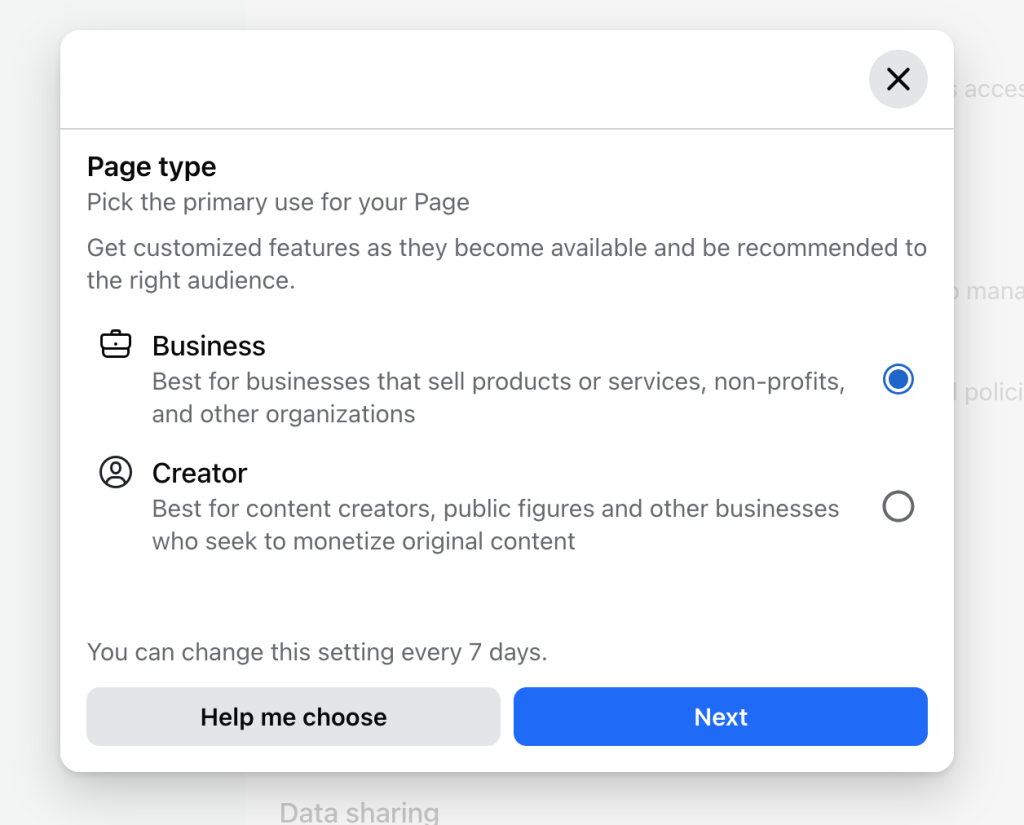
If you’re a Facebook Page admin, you probably noticed a little holiday surprise from Meta, a notification telling you Facebook had assigned your page type: Business or Creator.
If that felt confusing or even a little “huh?”, you’re not alone.
At first glance, it seems like a small update, but it can actually affect how your posts reach people, what ad options are available, and even how your content performs overall.
Don’t worry, we’ve got you. In this article, we’ll break down what this change really means and give you a clear, practical guide for choosing the right Page type for your goals.
What’s Happening?
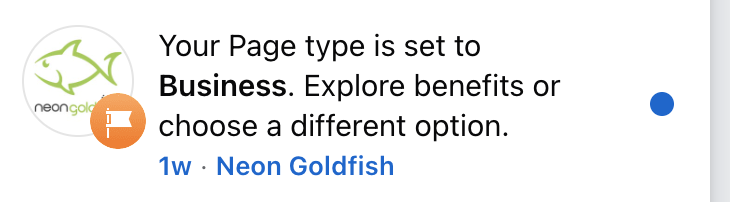
Just before Christmas 2025, Facebook Page admins began receiving in-platform notifications from Meta letting them know Meta had assigned a Page type, to your Facebook Busniess page. The update is simple on the surface but meaningful in practice: Meta is consolidating Facebook Pages into just two categories.
Business Creator
This change applies to Facebook Pages, not personal profiles using Professional Mode. That distinction has caused some confusion, but the update itself is platform-wide.
Based on community feedback, it appears that most Facebook Page admins received this notification.
Once selected, admins can switch between Business and Creator, but only once every seven days (for now).
What’s the Difference?
Meta positions each Page type with a specific goal in mind:
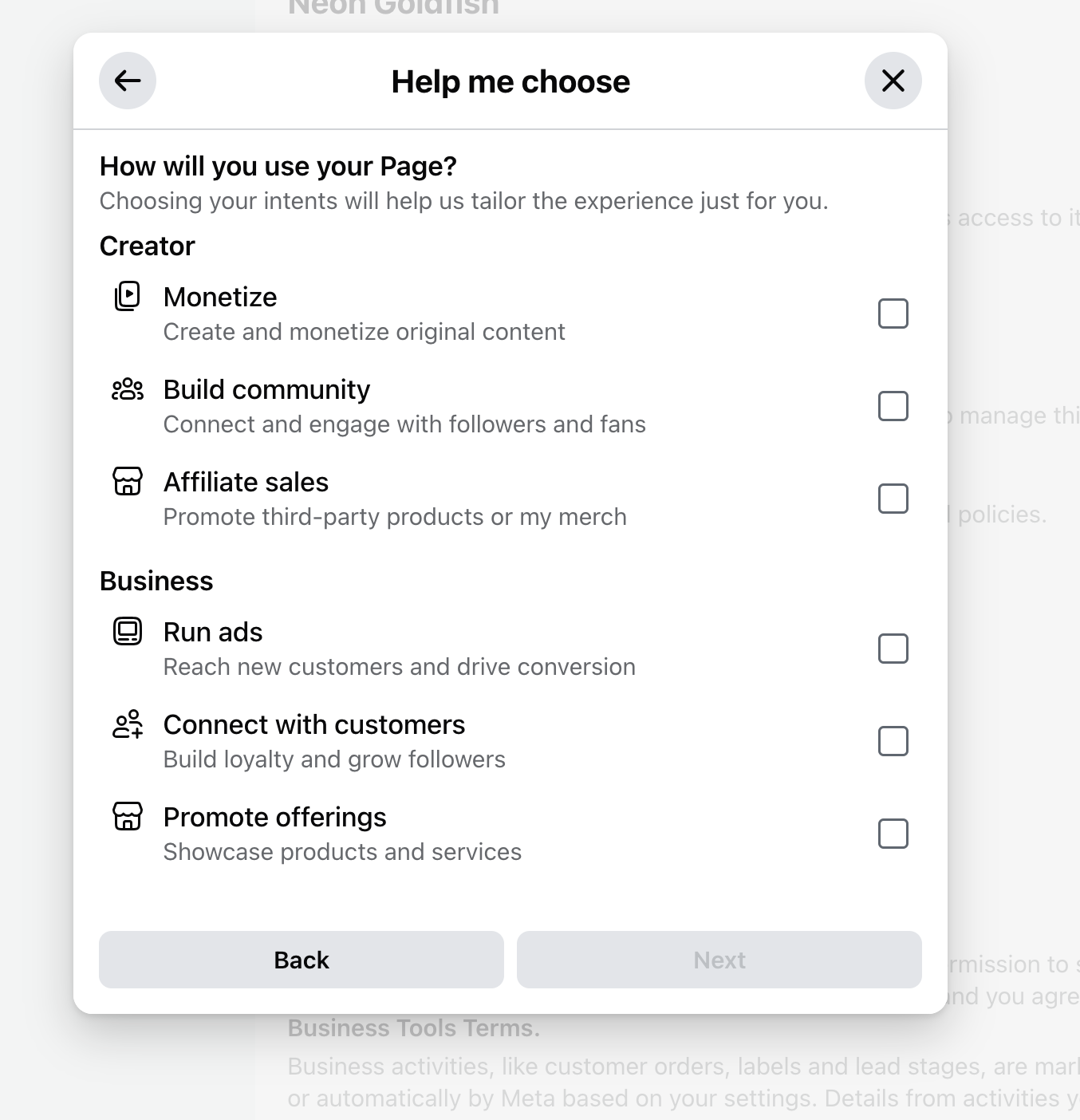
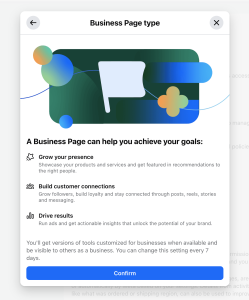
Business Pages are designed for brands and organizations that plan to:
Use commerce, promotions, and performance-focused tools
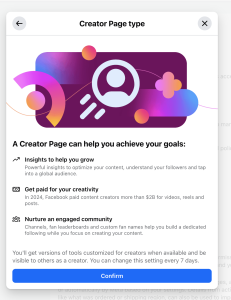
Creator Pages are positioned for individuals or brands focused on:
Community building
Organic reach and engagement
Content-driven growth and potential monetization
Several admins have noted that this selection may influence:
Which ad formats or boosted posts are available
Organic reach depends on post type
Access to certain creator or monetization features
Meta has not fully detailed every downstream effect, but early feedback suggests this choice is not purely cosmetic.
Why This Matters
The ability to switch Page types every seven days strongly suggests Meta expects admins to test and optimize.
Content reach versus paid performance
Community engagement versus conversion-focused activity
Monetization opportunities versus advertising control
In other words, Meta is encouraging Page owners to be more intentional about why they use Facebook and how they measure success.
But, Which Page Type Should You Choose?
If you rely on Facebook advertising for lead generation
If Facebook is a lead-generation or sales channel for you, Business Pages remain the safer default. Meta explicitly states these Pages are built for advertising, and early reports suggest fewer limitations on ad types and boosted content.
If you are content-first or personality-driven
Brands built around a face, voice, or community may benefit from testing Creator Pages, especially if organic reach or engagement has stalled. That said, the monetization upside remains speculative at this stage.
If you are unsure
Because Meta allows switching every seven days, this is a rare opportunity to:
Test organic reach across identical content
Compare engagement rates by post type
Monitor ad access and performance differences
Just document what changes so decisions are data-driven, not anecdotal.
What’s in a (Page) Label?
This change is less about a simple label and more about Meta forcing clarity of intent.
For years, Facebook Pages tried to be everything at once: a brand presence, a community hub, an ad platform, a content channel, and, in some cases, a personality-driven following. That makes it harder for Meta to optimize delivery and harder for Page owners to understand why certain posts performed well while others fell flat.
By splitting Pages into Business and Creator, Meta may be signaling that:
Not all Pages should be optimized for the same outcomes
Reach, engagement, and monetization are being evaluated differently depending on intent
Ad-driven Pages and content-driven Pages are no longer treated as equals in the algorithm
Allowing page admins to switch between the two types every seven days is also interesting.
Meta is essentially encouraging controlled experimentation. Try Creator mode if your content is educational, personality-led, or community-focused. Try Business mode if your goal is conversions, bookings, or measurable ROI.
Watch what happens, then adjust.
Long-term, this likely means:
Organic reach will favor Creator-style behavior (conversation, storytelling, video, community interaction
Paid visibility will favor Business Pages with clearer commercial signals
Hybrid strategies will require more intentional planning instead of “posting everything everywhere.”
So don’t panic or overthink the initial selection. The real risk is ignoring the update entirely and assuming nothing has changed. Meta rarely makes platform-wide shifts without eventually tying them to distribution, ad performance, or access to monetization.
In short, this update is Meta asking Page owners to answer one question clearly:
Are you here to build attention or to convert it?
Choosing the right Page type is simply the first step in aligning your content, ads, and expectations with that answer.
Subscribe to Fishbowl Friday, our weekly marketing news roundup delivered directly to your inbox. Dive into the latest trends with insights from the Neon Goldfish team and stay ahead on key marketing topics every week before you step out the door. Join our free newsletter now!
 What’s Happening?